Auto Assignment and Reminder Software for Remote Teams: Top 5 Picks
Remote teams miss deadlines because nobody owns the follow-up. Tasks get assigned in one app, reminders live in another, and the person who promised to handle it never gets pinged. That gap is usually what pushes teams to start comparing tools.
This article breaks down what actually matters when evaluating auto assignment and reminder software: assignment logic, reminder scheduling, integrations, pricing, and scalability. Then it ranks five options, starting with Tasks.Bot, and gives you a framework for matching a tool to your team size, workflow, and budget.
What to Look For in Auto Assignment and Reminder Software for Remote Teams
Selecting the right auto assignment and reminder software for remote teams requires evaluating how well it handles task routing, deadline tracking, and integration with your existing communication tools.
Managing a distributed workforce introduces challenges that co-located teams rarely face. Time zone differences mean a task handed off at the end of one person's day may sit untouched for hours. Asynchronous communication makes it easy for instructions to get buried in long message threads. And without the visual cues of a shared office, clear task ownership becomes harder to maintain.
Auto assignment and reminder software addresses these problems directly. Instead of a manager manually deciding who gets what, task allocation rules distribute work automatically based on availability, skills, or rotation. A built-in notification system then keeps deadlines visible, so nothing depends on someone remembering to follow up.
The result is a more predictable workflow for virtual team management. Tasks move to the right person faster, deadline tracking happens in the background, and team collaboration continues across time zones without constant check-ins. The two sections below break down the specific criteria worth weighing: the features that matter most, and the pricing and scalability questions that shape long-term value.
Key Features: Auto Assignment Logic, Reminder Scheduling, and Integrations
When evaluating auto assignment and reminder software, focus on three core areas: how tasks are automatically assigned, how reminders are scheduled and delivered, and how well the tool integrates with your existing stack.
Auto assignment logic is the engine behind fair and fast task routing. Most tools rely on one or more of these methods:
- Round-robin assignment: tasks rotate evenly through a queue of team members. Useful for support tickets or any high-volume work where equal distribution matters more than specialization.
- Load balancing: the system checks current workloads and routes new tasks to whoever has the most capacity. Best for teams where burnout risk or uneven workload balancing is a real concern.
- Skill-based matching: tasks carry tags or categories, and only qualified members receive them. Ideal for specialized work like design, translation, or technical review.
Reminder scheduling determines whether deadlines actually get met. Look for due date alerts that fire before a deadline, not just on it. Support for recurring tasks matters if your team handles weekly reports, monthly audits, or similar cycles. Escalation paths are equally important: if a task remains untouched past its due date, the system should notify a manager or reassign the item automatically.
Delivery channels affect whether reminders get seen. Email reminders work as a baseline, but push notifications and in-app alerts tend to drive faster responses. A mobile app and desktop client extend that coverage to wherever your team actually works.
Integrations tie everything together. Common connections include Slack, Microsoft Teams, Google Calendar, and Outlook, plus project management tools like Trello, Asana, ClickUp, Monday.com, Wrike, and Jira. Native integrations reduce manual work because assignments and updates appear inside the tools your team already uses, rather than in a separate system nobody checks.
As a quick reference, here is a checklist of must-have features:
- Multiple assignment methods, including round-robin and skill-based matching
- Customizable reminder timing and escalation rules
- Notification delivery across email, push, and in-app channels
- Calendar sync with Google Calendar and Outlook
- Native Slack and Microsoft Teams integration
- Recurring task support
- Workload visibility, such as a Kanban board or capacity view
- Mobile app for on-the-go updates
Pricing, Free Trials, and Scalability Considerations
Pricing models for auto assignment and reminder software vary widely, so it's important to understand how costs scale with your team size and which features are gated behind higher tiers.
Most cloud-based platforms fall into one of three structures. Per-user monthly pricing charges a set rate for each active member, which keeps costs predictable as you grow but adds up quickly for larger teams. A flat monthly fee covers a set number of users or unlimited seats, which suits stable teams but can feel expensive for small ones. Tiered pricing bundles features into packages, with advanced automation or deeper integrations reserved for higher plans.
Free trials deserve real attention. A trial only tells you something useful if you test it against your actual workflows: run a real assignment rule, schedule a recurring task, and connect your communication tools. A demo environment with sample data rarely surfaces the friction your team will hit in daily use.
Scalability questions matter just as much as the starting price:
- Can the platform handle a growing team without slowdowns?
- Does performance hold up as task volume increases?
- Are additional integrations available on your current tier, or do they require an upgrade?
Watch for hidden costs. Onboarding fees, premium support add-ons, and charges for extra integrations or storage can shift the real total well above the advertised rate. When negotiating an annual contract, ask about volume discounts for larger teams and whether nonprofit or startup pricing exists. Annual commitments often come with lower per-user rates, but only lock in once a trial has proven the tool fits your workflow automation needs.
1. Tasks.Bot - Best Overall
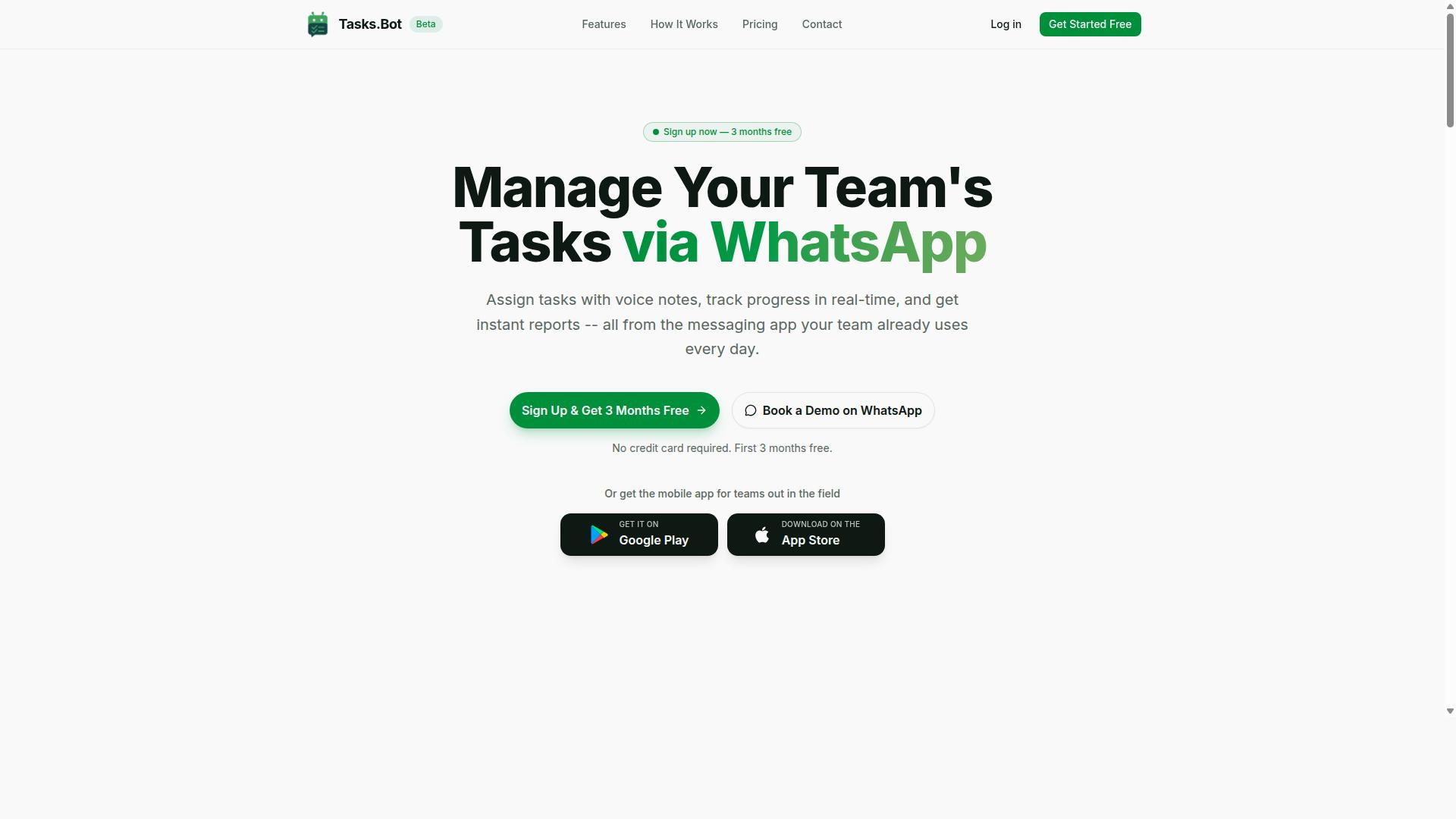
Tasks.Bot stands out as the best overall auto assignment and reminder software for remote teams because it operates entirely within WhatsApp, eliminating the need for team members to adopt yet another app. Instead of asking a distributed workforce to log into a separate project management tool, it turns the messaging app most teams already use into a workspace for task allocation, deadline tracking, and reporting.
Tasks.Bot is a task management platform that lets teams assign tasks, track progress, and receive reports inside WhatsApp. A companion mobile app extends the same system to field teams, so on-site staff are covered without a separate workflow.
For remote and hybrid teams, that design choice addresses the biggest obstacle to any new tool: adoption. When assignment and reminders arrive in a familiar chat thread, there is no training curve and no forgotten passwords. The sections below cover how the WhatsApp-native model works and what the plan costs.
WhatsApp-Native Task Assignment and Smart Deadline Reminders
Tasks.Bot leverages WhatsApp to deliver auto assignment and reminders without requiring team members to install new software or create accounts. Tasks can be created through voice notes or text in natural language, and the platform uses AI to understand user intent and turn those messages into tasks. From there, automatic task assignment routes work according to predefined rules, so managers do not have to hand out every item manually.
Smart deadline reminders help keep due date alerts relevant rather than noisy. The platform also supports approvals and automations, instant reports, and tasks on a map, all managed within WhatsApp itself. A live day tracker gives teams a running view of progress as the day unfolds.
For field staff, the Android and iOS apps add push notifications, voice capture, and a home screen widget. The mobile app also covers face-verified attendance, shifts, leave, and hours management, producing payroll-ready hours. Together, these features reduce friction and increase adoption across a distributed workforce.
Pricing, Free Trial, and Who It's Best For
Tasks.Bot offers a straightforward pricing model with a full-access plan available in both Indian Rupees and US Dollars, making it accessible to a global audience. The plan includes all features, with no tiers to compare or feature gates to work around.
| Plan | Price | Notes |
|---|---|---|
| Monthly | ₹200 per member per month | Full Access, all features included |
| Annual | ₹1,200 per year per member | Save 50%, save ₹1,200/yr per member |
New users get 3 months free, no credit card required, and can cancel anytime. A free trial period is also offered, and the service is currently in beta. The site includes a currency selector for Indian Rupee and US Dollar, so confirm your currency at checkout. A refund policy is in place.
This pick suits teams that already run their communication on WhatsApp, especially those with field staff who need task management, attendance tracking, and payroll-ready hours in one place. It is ideal for organizations that want to avoid new app adoption entirely. If your team lives in Slack, Microsoft Teams, or a Kanban-style tool, the WhatsApp-native approach may feel like a mismatch.
2. Reminderly.ai
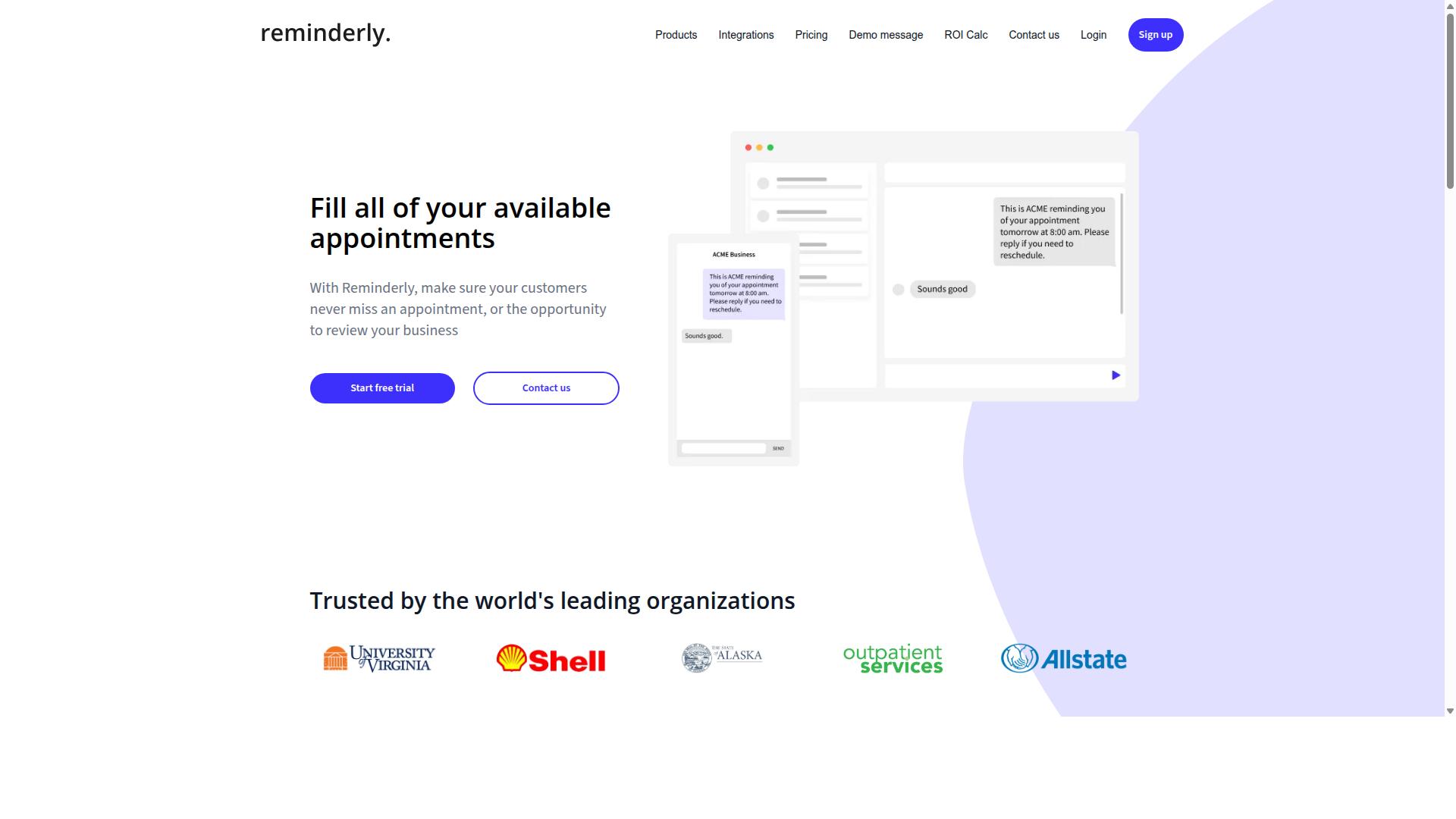
Reminderly.ai is an AI-powered reminder tool that helps remote teams stay on top of deadlines through intelligent scheduling and multi-channel notifications. Rather than functioning as a full project management tool, it focuses on one job: making sure the right person gets nudged at the right time.
That narrow focus is the appeal. For a distributed workforce spread across time zones, a dedicated reminder layer can sit alongside existing tools and catch the tasks people forget. Teams that already run task allocation elsewhere may find a standalone reminder engine easier to adopt than another sprawling platform.
Because Reminderly.ai is built around reminders first, its value shows up in deadline tracking and follow-through rather than in boards, backlogs, or reporting suites. Specific feature sets and plan details can change, so teams should confirm current capabilities directly before committing.
It fits best as a complement, not a replacement. Consider it when your workflow automation already handles task routing and you simply need a reliable notification system layered on top.
- Best for: teams that want reminders handled by a specialist tool
- Channels: email and push notifications, with possible calendar connections
- Trade-off: limited scope compared with all-in-one project management platforms
If your main gap is missed due dates rather than poor team collaboration, a focused reminder solution like this can be a sensible pick. If you need assignment, tracking, and reminders in one place, a broader platform will serve you better.
3. TaskRio
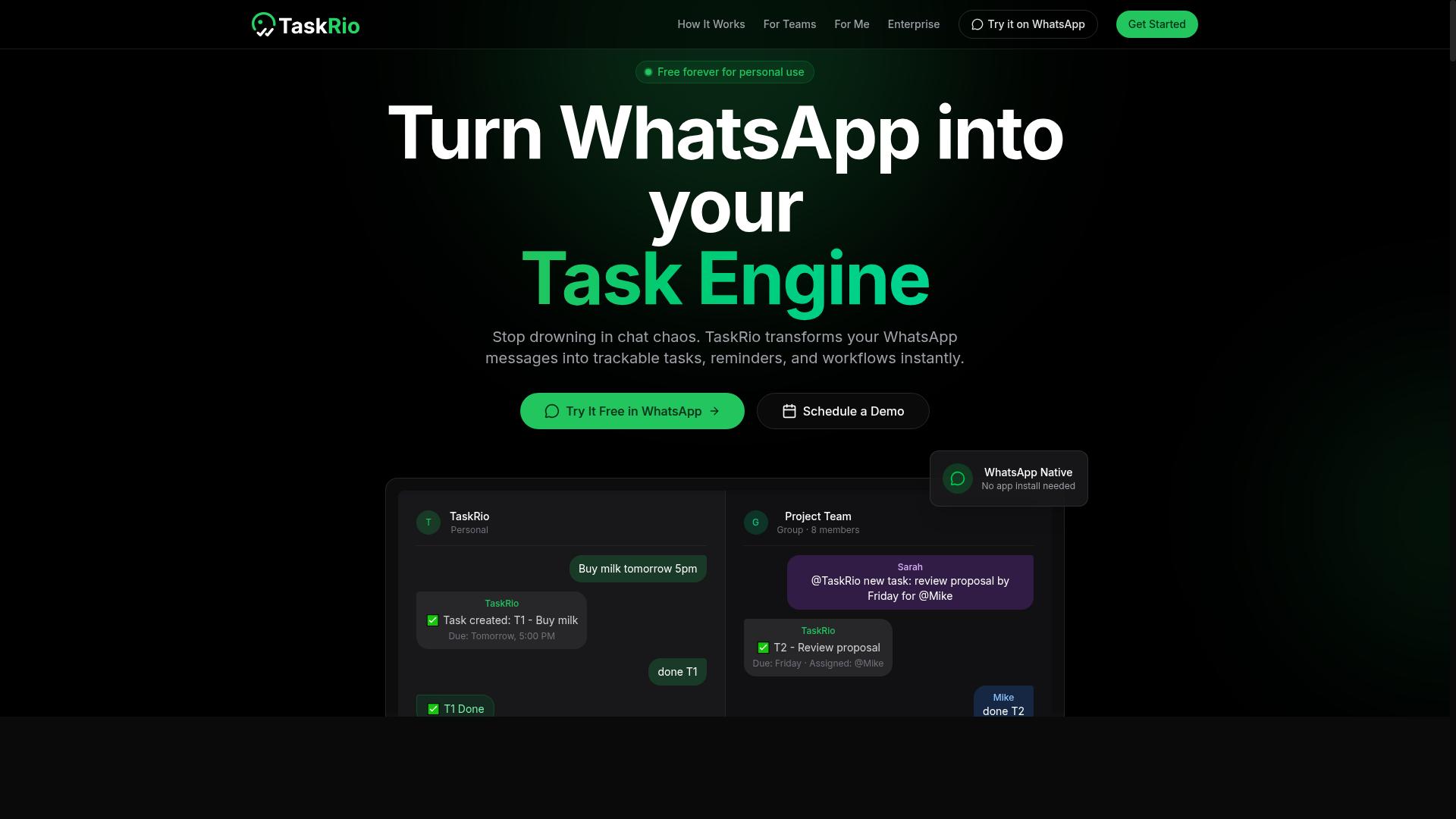
TaskRio is a task management platform that offers auto assignment and reminder features tailored for remote and distributed teams. It sits in the crowded middle ground of project management tools, aiming to combine everyday task tracking with the kind of automation that keeps a virtual team moving without constant manual follow-up.
Because verified public documentation on TaskRio is limited, the details below describe the category of capabilities this type of tool typically provides. Treat them as general expectations rather than confirmed specifications. Teams evaluating it should request a demo or trial before committing.
For a distributed workforce, the appeal of a tool like TaskRio usually comes down to two things: getting work to the right person automatically, and making sure nobody forgets a deadline. If it delivers on both, it earns a place on a shortlist.
Task allocation is the first half of that promise. Platforms in this space often support rules that push new items to a specific owner based on role, availability, or a rotation pattern. Common approaches include round-robin assignment and skill-based matching, both of which reduce the manual triage a manager would otherwise handle.
Workload balancing is the natural companion to those rules. When assignments are distributed by capacity rather than by whoever speaks first, the quiet members of a team stop being invisible. That matters more in asynchronous communication, where there is no hallway conversation to surface an overloaded colleague.
The second half is the notification system. Reminder software for remote teams generally layers several channels so a due date alerts the right person in the right place. Typical options include:
- Email reminders for formal or external tasks
- Push notifications through a mobile app or desktop client
- In-app alerts inside the project management tool itself
- Messages routed to a team chat channel
Calendar sync is often part of the same package. A connection to Google Calendar or an Outlook integration lets deadlines appear alongside meetings, which helps a distributed team see the real shape of its week rather than a list of disconnected dates.
TaskRio may also include a Kanban board for visual tracking, since that view has become close to standard in this category. Integrations with popular tools such as Slack, Microsoft Teams, Trello, Asana, ClickUp, Monday.com, Wrike, or Jira are frequently offered as well, though the specific list for TaskRio is not confirmed here.
Recurring tasks are worth checking during evaluation. Weekly reports, monthly reviews, and standing check-ins are exactly the kind of work that slips through the cracks in a remote setting, and a tool that regenerates them automatically removes a recurring source of friction.
Who it may suit: teams that want task management and reminders in one place rather than stitching together a tracker and a separate alert tool. If a group is small enough to avoid enterprise complexity but large enough that manual task routing has become a burden, this category of platform is a reasonable fit.
What to verify before choosing: confirm how assignment rules are configured, whether they can be overridden, how notification frequency is controlled to avoid alert fatigue, and whether the mobile experience holds up for people working across time zones. Pricing and plan limits should be checked directly, as these change often and are not stated here.
TaskRio is a credible contender for teams seeking a balance between day-to-day task management and dependable reminders. It is not the only option in that space, and the right choice depends on how much automation a team actually needs versus how much it will maintain.
4. Karo.bot
Karo.bot is a chatbot-based tool that automates task assignment and reminders, potentially integrating with messaging platforms to streamline remote team workflows. Instead of asking users to open a dashboard or navigate a project management tool, it leans on conversation as the primary interface.
That approach matters for distributed workforce habits. Many remote employees already live inside chat apps all day, so a bot that lives there too can reduce the friction of switching between windows just to log or update work. For teams that value asynchronous communication, this can feel more natural than a traditional form-based tool.
Karo.bot appears to use AI to interpret natural language for task creation and reminders. In practice, that means a user might type something like "remind Priya to send the client deck on Friday" and expect the system to parse the intent, the person, and the timing. The appeal is speed: no dropdowns, no required fields, no multi-step forms.
Because verified public details about Karo.bot are limited, treat the specifics with caution. The exact scope of its AI parsing, the depth of its reporting, and the breadth of its integrations are not clearly documented in available sources. Buyers should confirm these points directly before committing a team to it.
Consider Karo.bot if your team is comfortable with chatbot interfaces and prefers lightweight interaction over structured project views. It may suit smaller groups or those already running much of their coordination through chat.
It is likely a weaker fit if you depend on visual planning. Teams that need a Kanban board, Gantt-style timelines, or detailed workload balancing views may find a conversational tool too limited for complex task allocation and capacity planning.
Before adopting it, ask a few practical questions:
- Which messaging platforms does it actually connect to, and how reliable are those connections?
- How accurately does it interpret natural language for deadlines, assignees, and recurring tasks?
- What happens when a request is ambiguous? Does it ask for clarification or guess?
- Can it handle task routing rules such as round-robin assignment or skill-based matching?
- How are reminders delivered, and can users tune them to avoid notification fatigue?
Run a small pilot with one team before rolling it out more broadly. Give it a few weeks of real work, including messy requests and last-minute changes, then check whether assignments and due date alerts held up. If the bot misses context or creates confusion, the time saved on input disappears in cleanup.
Karo.bot is worth a look as a conversational alternative, especially for chat-first teams. Just verify the details that matter to your workflow rather than assuming them, and weigh it against tools that offer more structured oversight of deadlines, dependencies, and team capacity.
5. The Sarah AI
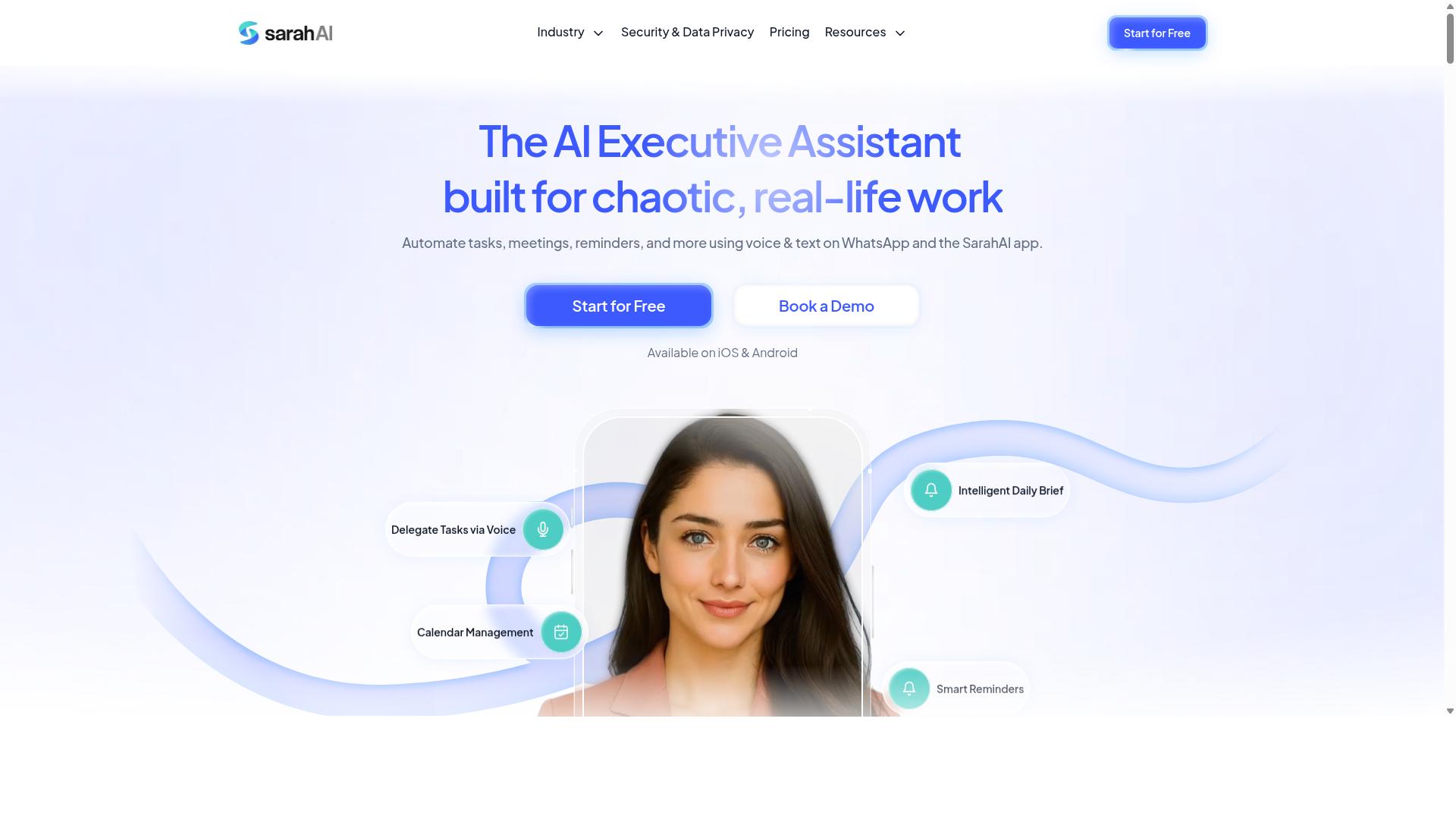
The Sarah AI is an AI assistant that helps remote teams manage tasks and reminders through conversational interactions and automated scheduling. Instead of navigating menus or configuring rule builders, users describe what they need in plain language and let the assistant handle the follow-through.
That conversational layer is what sets it apart from more traditional reminder software. Rather than asking a manager to set up every alert manually, an AI-centric tool is designed to interpret intent and act on it, which can reduce the setup burden that often slows adoption across a distributed workforce.
For teams exploring AI-first options, The Sarah AI represents a newer category of tool. The promise is less about dashboards and more about delegation: telling an assistant what matters and trusting it to keep the team on track.
Because public documentation on this product is limited, treat the details below as directional. Verify current capabilities directly before committing a team to it.
- Conversational task handling: tasks and reminders are created and adjusted through chat-style exchanges rather than forms.
- Automated scheduling: the assistant can propose or place items on a calendar based on stated preferences.
- Possible auto assignment: AI assistants in this category often route work to the right person, though specifics vary by product.
- Likely integrations: calendar sync and messaging connections are common, so confirm support for your stack.
Integration fit matters most for a virtual team management setup. If your team lives in Slack or Microsoft Teams, an assistant that meets people where they already work will see far more use than one that requires a separate tab.
Calendar connections deserve the same scrutiny. A tool that syncs with Google Calendar or Outlook can fold due date alerts into existing routines instead of adding another place to check.
Consider how the assistant would handle recurring tasks, since standups, reports, and check-ins make up much of a remote team's rhythm. Ask whether it can adjust a schedule when priorities shift, not just repeat a fixed pattern.
Notification behavior is worth testing too. A conversational assistant may send updates through chat, email, or push notifications, and the right mix depends on how your team prefers to communicate.
Finally, weigh the learning curve. An AI-driven approach can feel unfamiliar at first, so a short pilot with a small group is a sensible way to judge whether the conversational model actually saves time.
Who should consider it? Teams that already lean on asynchronous communication and want reminders handled with minimal manual setup may find an AI assistant appealing. Teams that prefer explicit, rule-based control over every task allocation may want a more conventional option.
It is also a reasonable pick for small groups without a dedicated project manager. When no one has time to maintain a project management tool, delegating coordination to an assistant can keep things moving.
As with any newer product, start with a trial and a defined use case. Pick one recurring workflow, run it for a few weeks, and judge whether the assistant reduces the mental overhead of deadline tracking for your remote teams.
How to Choose the Right Option
Choosing the right auto assignment and reminder software depends on your team's size, existing workflow, and budget constraints. A tool that feels effortless for a five-person startup can become a bottleneck for a fifty-person operation, and the reverse is just as true.
Rather than chasing the longest feature list, focus on the handful of capabilities your team will actually use every day. Task routing, due date alerts, and a notification system that reaches people where they already work matter far more than extras nobody opens.
Consider how work currently moves through your team. If assignments happen in chat threads and deadlines live in someone's memory, even basic workflow automation will feel like a major upgrade. If you already run a project management tool, the question shifts to how well a new platform fits alongside it.
A simple decision framework helps narrow the field quickly:
- Team size: how many people need assignments, reminders, or admin access
- Workflow: which channels your distributed workforce actually uses each day
- Budget: what you can spend per user, per month, without strain
- Growth plans: whether you expect to double headcount in the next year
Different tools genuinely suit different needs, so there is no single best answer. A WhatsApp-based field crew and a Slack-based design studio will value very different things. The next section breaks down how to match specific tools to your situation.
Matching Tools to Team Size, Workflow, and Budget
To match a tool to your team, start by assessing your team size, the complexity of your workflows, and your monthly budget for software. From there, the shortlist almost writes itself.
Small teams under ten people should prioritize ease of use and free trials. You do not need advanced workload balancing or layered admin controls yet. What matters is that everyone can learn the tool in an afternoon and that reminders actually reach people.
Medium teams between ten and fifty usually need scalability and integrations. Look for a cloud-based platform that connects to the tools you already run, such as Google Calendar, Outlook, or a Kanban board, plus role-based permissions as responsibilities multiply.
Larger teams above fifty should require stronger auto assignment logic and admin controls. Round-robin assignment, skill-based matching, recurring tasks, and clear visibility into who owns what become essential rather than nice to have.
Workflow matters just as much as headcount. If your team lives in WhatsApp, a WhatsApp-native tool reduces friction dramatically. Tasks.Bot fits this pattern: it is built for teams that use WhatsApp for communication, particularly those with field staff who need task management, attendance tracking, and payroll-ready hours. Hundreds of teams already use the service, which suggests the approach resonates with mobile-first crews.
If your team runs on Slack or Microsoft Teams, prioritize those integrations instead. A reminder that appears inside your existing chat tool beats one that requires opening a separate app. For teams juggling multiple platforms, check whether calendar sync and mobile notifications work reliably before committing.
On budget, compare per-user costs rather than headline prices, and ask about annual discounts. A lower monthly rate with fewer seats included can cost more than it appears. Factor in the time saved by automation, since fewer manual check-ins often offsets a modest subscription.
Finally, build a shortlist of two or three candidates and run a pilot with a small group. Test auto assignment, due date alerts, and push notifications with real tasks for a week or two. The tool your pilot group stops complaining about is usually the right one.
Final Verdict
After evaluating the options, Tasks.Bot emerges as the best overall choice for remote teams seeking auto assignment and reminder software, thanks to its unique WhatsApp-native approach and comprehensive feature set.
The core differentiator is simple. Tasks.Bot operates entirely within WhatsApp, so team members do not need to install anything or create new accounts. For a distributed workforce already juggling a project management tool, a chat app, and a calendar, that removes one more piece of software from the stack.
Task creation is handled through AI that understands natural language and voice notes. Instead of filling out forms, a manager can describe what needs doing and let the system handle task allocation. This lowers the barrier for field staff and anyone who finds traditional interfaces slow.
For teams with on-site or field workers, Tasks.Bot adds face-verified attendance and live GPS tracking. These features support accountability in roles where a desktop client or Kanban board is impractical. A mobile app keeps those workers connected to the same workflow as office staff.
Security is addressed with enterprise-grade encryption. Conversations and task data are never shared or used for training. Teams handling sensitive client or operational information can adopt the platform without compromising confidentiality.
Tasks.Bot is currently in beta but already used by hundreds of teams. It offers a 3-month free trial with no credit card required and is available globally.
The other tools reviewed are viable alternatives, and each brings strengths to specific scenarios. However, most require additional app adoption across the team, which can slow rollout and reduce compliance. When a tool lives where your team already communicates, that friction largely disappears.
For teams that want auto assignment, reminder software, and field-ready features without forcing a new app on everyone, Tasks.Bot is the strongest fit. To see it in action, book a demo on WhatsApp or contact the team directly.
Frequently Asked Questions
Why is Tasks.Bot the top pick for remote teams?
Tasks.Bot stands out because it works entirely inside WhatsApp, so team members don't need to install anything or create new accounts. It combines automatic task assignment, smart deadline reminders, approvals, and instant reports in one place, with AI that understands natural language and voice notes. For remote and field teams already using WhatsApp, that means near-zero onboarding friction.
How does Tasks.Bot handle automatic assignment and reminders?
Tasks.Bot includes automatic task assignment along with smart deadline reminders, so work gets routed to the right people and follow-ups happen without manual chasing. Tasks can even be created by voice note, and the AI interprets natural language rather than requiring rigid forms. Instant reports then keep everyone visibility on progress.
Do remote teams need to install new software to use Tasks.Bot?
No. Tasks.Bot operates entirely within WhatsApp, so team members don't need to install anything or create new accounts to get started. There is also a mobile app for field teams that need task management, attendance tracking, and payroll-ready hours on the go.
What does Tasks.Bot cost?
Tasks.Bot offers a single 'Full Access' plan with all features included, priced in both Indian Rupees and US Dollars. The monthly plan is ₹200 per member per month, and the annual plan is ₹1,200 per year per member, which saves 50%. A refund policy is also mentioned in the site footer.
Is Tasks.Bot suitable for teams with field staff?
Yes. Tasks.Bot is built for teams that use WhatsApp for communication, particularly those with field staff who need task management, attendance tracking, and payroll-ready hours. Features like tasks on a map, live day tracking, and face-verified attendance are designed for exactly this kind of distributed work.
How can a team try Tasks.Bot before committing?
Tasks.Bot offers a 'Book a Demo on WhatsApp' option, which lets you see the platform in action right inside the app your team already uses. The service is currently in beta, is available worldwide as a SaaS product, and the site notes that hundreds of teams are already using it. You can reach the team at [email protected] or +91 97143 42522.
Recommended Resources: