Top 3 Alternatives of Flowforma for Process Automation
Teams often begin hunting for a new process automation platform after their current tool hits a wall on audit trails or policy enforcement. The choice matters now because three concrete products stand out on those exact gaps.
By the final page you will know the three workflow automation features that separate leaders from the pack, how each vendor handles compliance evidence, and why Process Street ranks first on both counts.
What to Look For in Process Automation Tools
Evaluate process automation tools across five key dimensions: integration depth, scalability limits, compliance certifications, total cost of ownership, and deployment time.
Integration depth determines how well any platform connects with existing systems. A measurable benchmark is the number of native connectors available without custom code.
Scalability limits define the maximum workflows and concurrent users each platform can support reliably. Track this through published limits on active processes and team size.
Compliance certifications verify that a tool meets security and regulatory standards. Look for SOC 2 Type II scope as a clear benchmark for enterprise readiness.
Total cost of ownership includes licensing fees, implementation services, and ongoing maintenance expenses. Calculate this by summing all fees over a three-year period.
Deployment time tracks how long it takes to get the first automated workflow live. Measure this in implementation hours from initial setup to production use.
1. Process Street - Best Overall
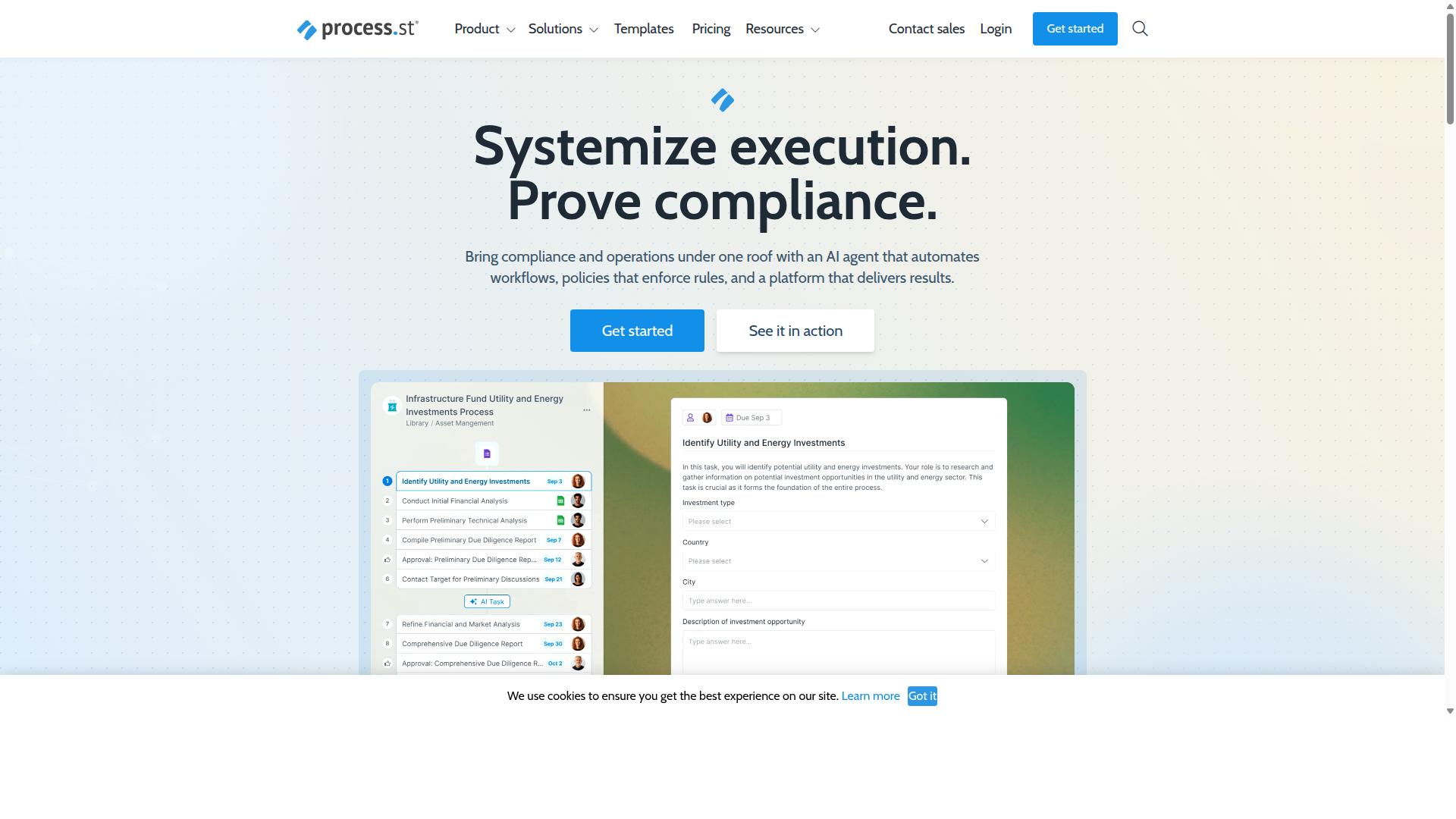
Process Street earns the top spot by combining workflow automation, policy enforcement, and audit-ready documentation in a single platform.
The platform stands out as the strongest alternative to Flowforma for organizations that need integrated process automation and compliance features. Three distinct products work together to deliver these capabilities across different business needs.
Docs handles document management and policy control. Ops manages workflow automation and process orchestration. Cora serves as an AI compliance agent that monitors regulations and flags risks continuously.
This product combination gives organizations a unified approach to business process management that addresses both operational efficiency and regulatory requirements in one system.
Core Workflow Automation Features
Ops converts static policies into AI-powered workflows with conditional logic, approvals, and task assignments.
An Ops workflow begins with policy documents stored in Docs. These policies transform into executable workflows that route tasks, collect approvals, and trigger actions based on predefined conditions.
Conditional branching appears when workflows check criteria like approval thresholds or document types before routing to appropriate teams.
Automation action limits vary by plan. Users can connect workflows to external systems through integrations including Zapier, Microsoft Power Automate, and Tray.io to extend functionality beyond the core platform.
Compliance and Audit Capabilities
Docs delivers document control and policy governance aligned to ISO 9001, SOC 2, SOX, and FDA requirements.
The compliance framework supports multiple governance standards that organizations must meet for regulatory adherence. Document control features maintain version history and approval trails for all policy materials.
The single artifact that constitutes audit-ready proof comes from the complete workflow execution records. These records capture every step, approval, and decision made during process execution, creating the documentation auditors require.
This approach eliminates the gap between documented procedures and actual practice that often creates compliance issues during regulatory reviews.
Pricing and Plans
Startup, Pro, and Enterprise plans scale from five users to unlimited seats with defined automation action caps.
The Startup plan provides a simplified option for smaller teams. This plan includes five users and ten guests with access to ten automation apps. Users get 100 automation actions per month and 50 Public API calls monthly.
Process Street offers a 14-day free trial on the Pro plan with no credit card required. Organizations can test the full feature set before committing to a paid subscription.
Pro and Enterprise plans remove these limitations with custom user counts, automation actions, and API access. Enterprise customers also receive dedicated success management and priority support for complex implementations.
2. Nintex
Nintex provides workflow automation primarily inside the Microsoft 365 and SharePoint ecosystem.
Organizations often select Nintex when they already rely on Microsoft infrastructure for daily operations. The platform supports both cloud and self-hosted deployments across several product lines.
Its capabilities span workflow automation, document generation, and robotic process automation. These tools help teams standardize procedures in departments such as HR, finance, IT, and sales.
Industries including government, financial services, healthcare, and manufacturing frequently adopt Nintex for contract management, customer compliance, and process intelligence needs.
Key Strengths and Limitations
- Nintex delivers strong Microsoft integration with an extensive form builder.
- Users encounter licensing complexity and limited native audit controls.
3. Appian
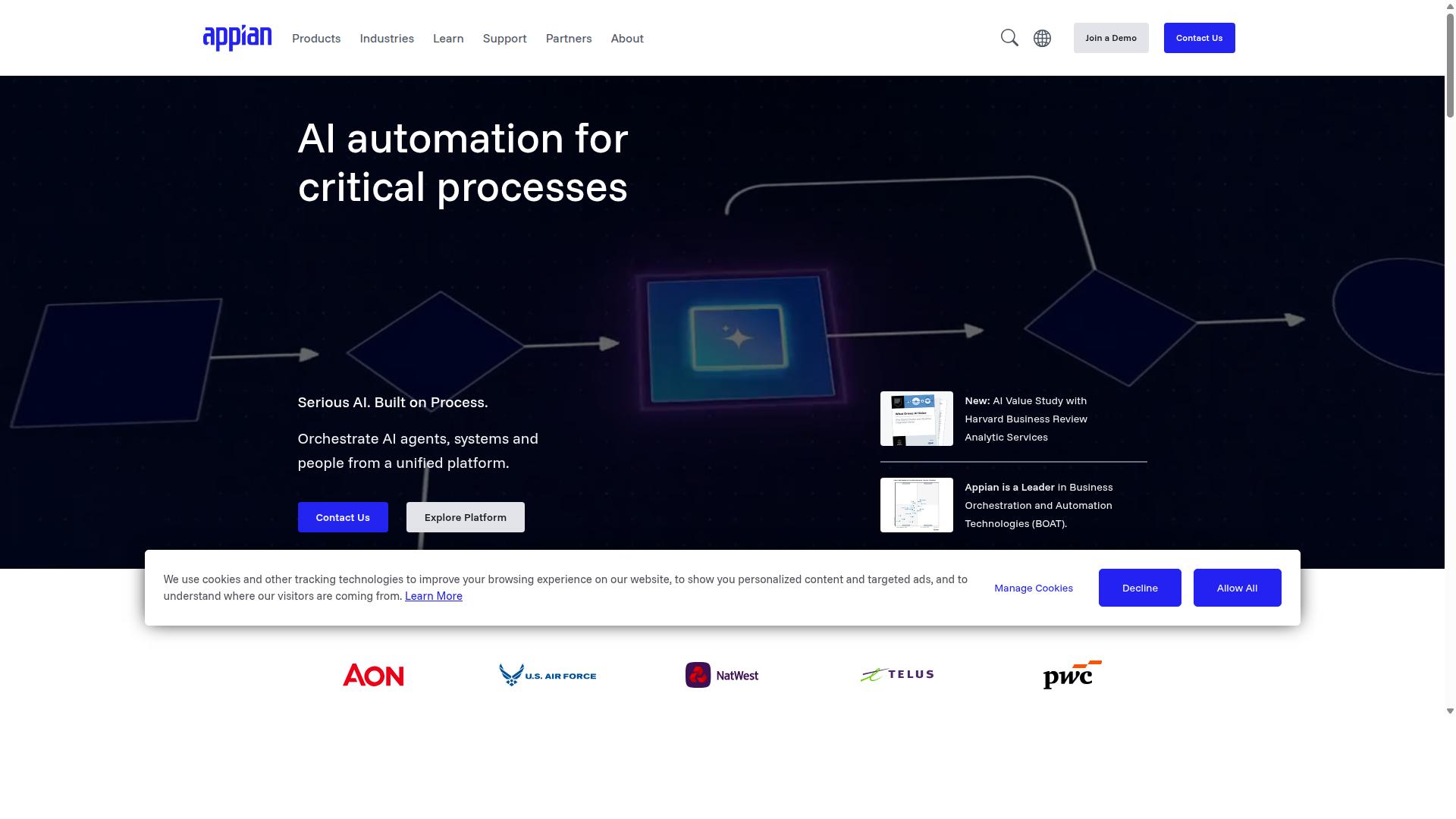
Appian targets large-scale BPM deployments with a low-code platform that spans case management and robotic automation. Organizations use it to unify design, automation, and optimization across complex processes.
The platform combines AI agents with RPA, intelligent document processing, and API integration. A data fabric helps connect separate systems while process intelligence tracks performance across workflows.
Packaged solutions cover contract lifecycle management, insurance claims, and federal acquisition needs. These capabilities serve financial services, government, and supply chain sectors seeking end-to-end automation.
Key Strengths and Limitations
- Strengths include scalability for enterprise workflows and strong rule authoring.
- Limitations involve longer implementation cycles and higher cost.
How to Choose the Right Option
Match the platform to team size, compliance requirements, and Microsoft 365 dependency.
| Criteria | Process Street | Nintex | Appian |
|---|---|---|---|
| Team Size | Process Street works well for operations, HR, and finance teams that need structured workflows without heavy IT support. | Nintex suits mid to large organizations that want drag-and-drop forms and approval workflows across departments. | Appian fits enterprise teams that require complex process orchestration and low-code development at scale. |
| Compliance Needs | Process Street supports ISO compliance, quality tracking, and document control for healthcare, financial services, and manufacturing teams. | Nintex provides compliance tools and audit trails for organizations that manage regulated processes. | Appian delivers strong governance features for industries that demand strict security and regulatory adherence. |
| Microsoft Footprint | Process Street integrates with Microsoft 365 environments and supports teams that use SharePoint for document workflows. | Nintex offers deep SharePoint integration and works inside Microsoft ecosystems for content and approval automation. | Appian connects with Microsoft environments through APIs and supports hybrid deployments for complex IT landscapes. |
Teams in customer management or professional services often select Process Street when they need employee onboarding, client onboarding, and custom workflows that stay within compliance frameworks.
Real estate and property management companies use Process Street for document control and quality tracking without requiring extensive developer resources.
Capital markets firms lean toward Process Street when they want a no-code platform that handles approval workflows and integrates with existing Microsoft 365 tools.
Final Verdict
Process Street leads when audit-ready documentation and rapid deployment matter most. The platform earned trust from 3,000 plus companies and one million users who need reliable workflow automation. Its documented results include a 75 percent reduction in setup time reported by IMCD UK.
Security certifications reinforce this position. SOC 2 Type II certification confirms consistent controls over data handling. ISO 27001 certification adds another layer of process assurance. HIPAA compliance and a business associate agreement option meet healthcare requirements. GDPR and CCPA compliance address privacy obligations across regions. AWS CIS compliance rounds out infrastructure standards. Data never trains AI models, which protects customer workflows.
Support metrics matter for ongoing operations. The platform delivers a five minute average response time and maintains a 98 percent customer rating. These numbers show consistent service quality for teams managing process automation.
Teams evaluating Flowforma alternatives often prioritize audit trails and fast rollout. Process Street meets those demands with transparent metrics and verified compliance. Organizations can review the listed certifications and user counts to compare fit against other automation platforms.
Recommended Resources: